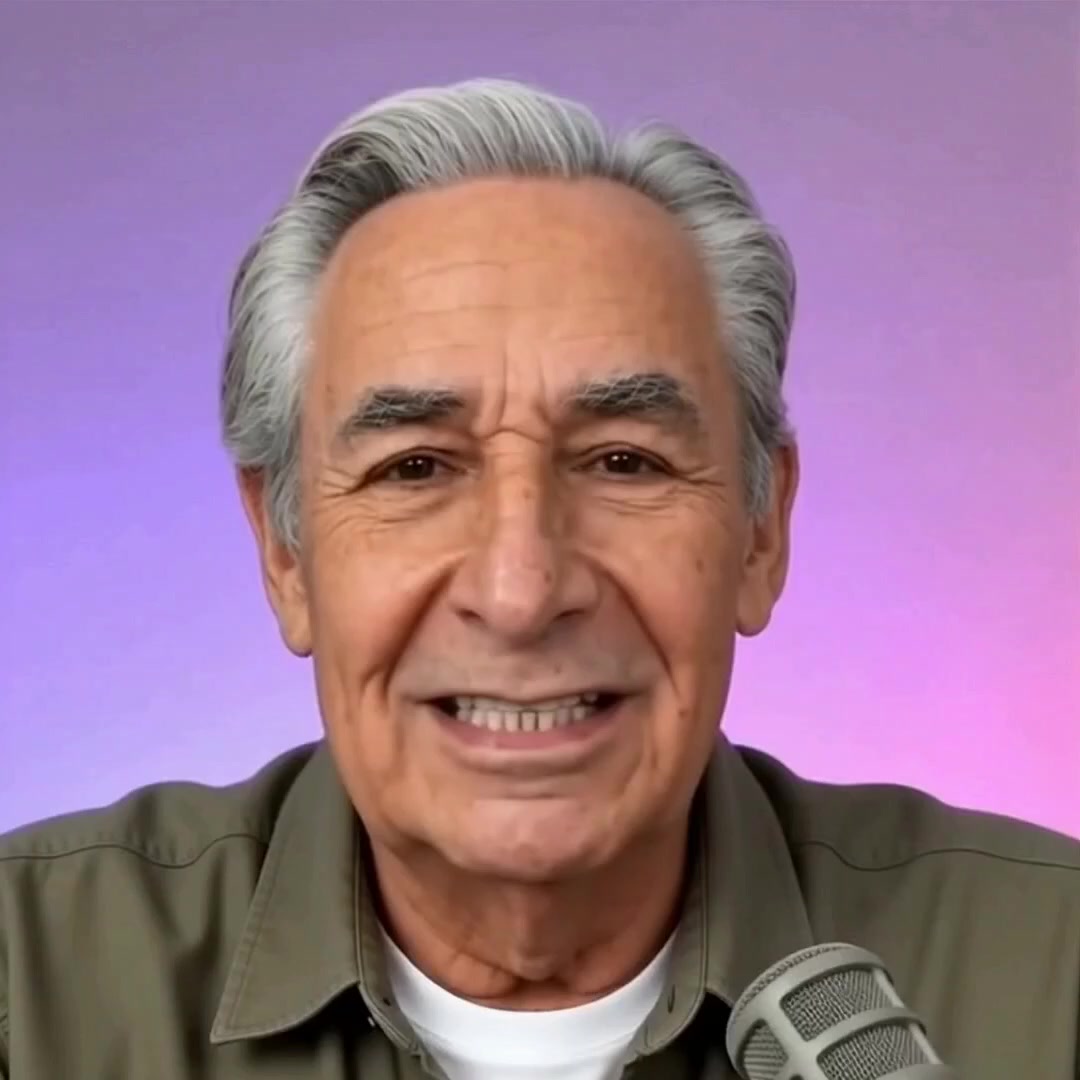
“We should be raising children who master the Internet, embrace AI, and learn to code. Instead, we are doing the exact opposite. The Blocker exists to change that.”

— David Goodman, Founder

🎭 Demo Mode — No real account created

Is your child safe online
right now?

Free forever
📵 No app on child's phone
🔌 No router changes
60-second setup
🧠 Powered by Claude AI
▶ Play
Charly

I'm Charly — your family's AI internet guardian. I'm ready to protect your child's devices from adult content, social media, gambling, self-harm, violence, hate speech, and more. And I'll do it for free. I won't even ask for your credit card. Just enter your email below and let's get started.

The Blocker blocks 21 categories of content:

🔞
Adult Content
Pornography & explicit material
On by default
📱
Social Media
TikTok, Instagram, Snapchat
On by default
💔
Self-Harm
Suicide & self-harm content
On by default
🔫
Violence
Graphic violence & gore
On by default
🎰
Gambling
Online casinos & betting
On by default
Green = always on by default  ·  Customize all of it with AI Edition.

Three steps. Sixty seconds. Done.

No app to install on your child's device. No router access needed. Nothing they can uninstall.

1

Create your free account

Just your name and email. No credit card. No commitment. Takes 60 seconds.

Free forever
2

Change two numbers on their phone

You change the DNS settings in your child's Wi-Fi. We walk you through it step by step with pictures.

No router access needed
3

Charly protects them — everywhere

Every website request goes through Charly's filters. Upgrade to AI Edition to customize exactly what's blocked from your dashboard.

Works on any Wi-Fi
From Boynton Beach, FL — Built for Every Family
"We should be raising children who master the Internet, embrace AI, and learn to code. Instead, we are doing the exact opposite. The Blocker exists to change that."
David Goodman, Founder · Ask Charly LLC · Boynton Beach, FL
The Blocker is new. We don't have hundreds of reviews yet — we have families who believe in what we're building. If you try it, we'd love to hear from you.
Share Your Experience →

The Blocker vs. everyone else

Feature The Blocker Bark ($14/mo) Circle ($10/mo) Qustodio ($55/yr)
PriceFree Forever$14/mo$10/mo$55/yr
No app install on child's device✓ DNS only✗ App required✗ Device required✗ App required
Block by category (21 categories)✓ 21 categories✓ 19 categories✓ Partial✓ Partial
Parent controls which categories✓ Full control
Block specific websites
Nothing for child to uninstall✓ DNS level✗ App can be removed
AI that understands child's exact age *✓ AgeGuard™
Calls parent on the phone *✓ Even if they turn off WiFi✗ Alert only✗ Alert only✗ Alert only
Morning & Evening AI reports *
Ask Charly — talk directly to your AI guardian *✓ Charly answers
* The Blocker AI Edition Features marked with * are part of The Blocker AI Edition — powered by AgeGuard Intelligence™. $9.95/month. Start today — Month 2 free →

Patent Pending · U.S. Provisional Application No. 64/013,894 · Filed March 23, 2026

The AI guardian who knows your child — and gets to know them better every day

Every other parental control applies the same rules to every kid. Charly doesn't.

From the moment you add your child's profile, Charly calibrates to their exact age using four child development frameworks. But that's just the beginning.

The longer Charly protects your child, the more she understands them — their patterns, their interests, what they're drawn to, and what concerns you should know about. When you ask Charly a question, you're not getting a generic answer. You're getting an answer about your child, right now.

No competitor can offer this. Because no competitor has Charly.

Available when you add your child's profile after signup.

Parent
My son is 9. He tried to access YouTube three times today. Should I be worried?
Charly — powered by Claude AI
Very common at his age — curiosity about what older kids watch. All three attempts were caught automatically. Under AAP guidelines for a 9-year-old, unrestricted YouTube carries real risks from algorithm rabbit holes.

You have two options in your dashboard: keep YouTube fully blocked, or use the Always Allow field to whitelist specific channels you approve. I can help you think through which channels are right for his age and interests.
Parent
Yes please. And what has he been watching that IS allowed?
Charly — powered by Claude AI
Today he visited Khan Academy (math), two Minecraft wiki pages, and a NASA kids site — all fully appropriate for his age under AgeGuard. His Morning Report has the full activity summary.
🤖 Powered by Claude from Anthropic

You control exactly what's blocked.

With AI Edition, toggle any category on or off. Block a specific site. Always allow one. Every change takes effect immediately — no restart, no waiting.

▶ Play
Charly

This is your dashboard — and everything here is yours to control. Green means always on. Amber means your choice. Block any site. Allow any site. Every change takes effect the moment you hit Save.

Always-On Protections
🔞 Adult Content
📱 Social Media
💔 Self-Harm
🎰 Gambling
🔫 Violence
🍺 Drugs & Alcohol
Always On
🎮 Gaming
📺 Streaming Video
🤖 AI Chatbots
🤬 Profanity Sites
Block a Specific Site
AgeGuard AI Edition only
e.g. reddit.com
+ Block
Always Allow a Site
e.g. khanacademy.org
+ Allow
Save Protection Settings

Full dashboard control is available with The Blocker AI Edition — $9.95/month. $9.95 today — Month 2 on us.

Start Today — Month 2 On Us → Try Free for 7 Days →

One more step — let's get your child protected.

Your account is ready. Now let's set up your child's device — phone or tablet, takes 60 seconds.

No Router Changes Needed

You change one simple setting on your child's phone or tablet. No router access, no tech skills required. We show you exactly how with pictures.

▶ Play
Charly

Those two numbers are my address on the internet. When you enter them on your child's phone or iPad, every website they want to visit comes through me first — before it reaches their screen. I decide what's safe.

Select your child's device below and I'll walk you through the setup step by step. It takes about two minutes.

🛡️ Your Blocker DNS Addresses

These are the two numbers you'll enter on your child's phone or tablet.

Primary DNS
192.241.154.146
Copy
Secondary DNS
167.172.240.35
Copy

Select your child's device:

iOS

Android

▶ Play
Charly

One quick thing before you go — my protection travels through your home WiFi. If the power goes out, I pause. But the moment it's back, I'm back automatically. No action needed from you. Tap to hear the full tip.